Finding the right page on TCM should feel as direct as asking a question. Our new Smart Search is now available across public TCM pages, bringing the site’s profiles, client feedback, services, guides, locations, and current updates into one focused search overlay.
Use the magnifying-glass button, press Command/Ctrl + K, or press / when you are not already typing. Results begin with the first character and update as you type.
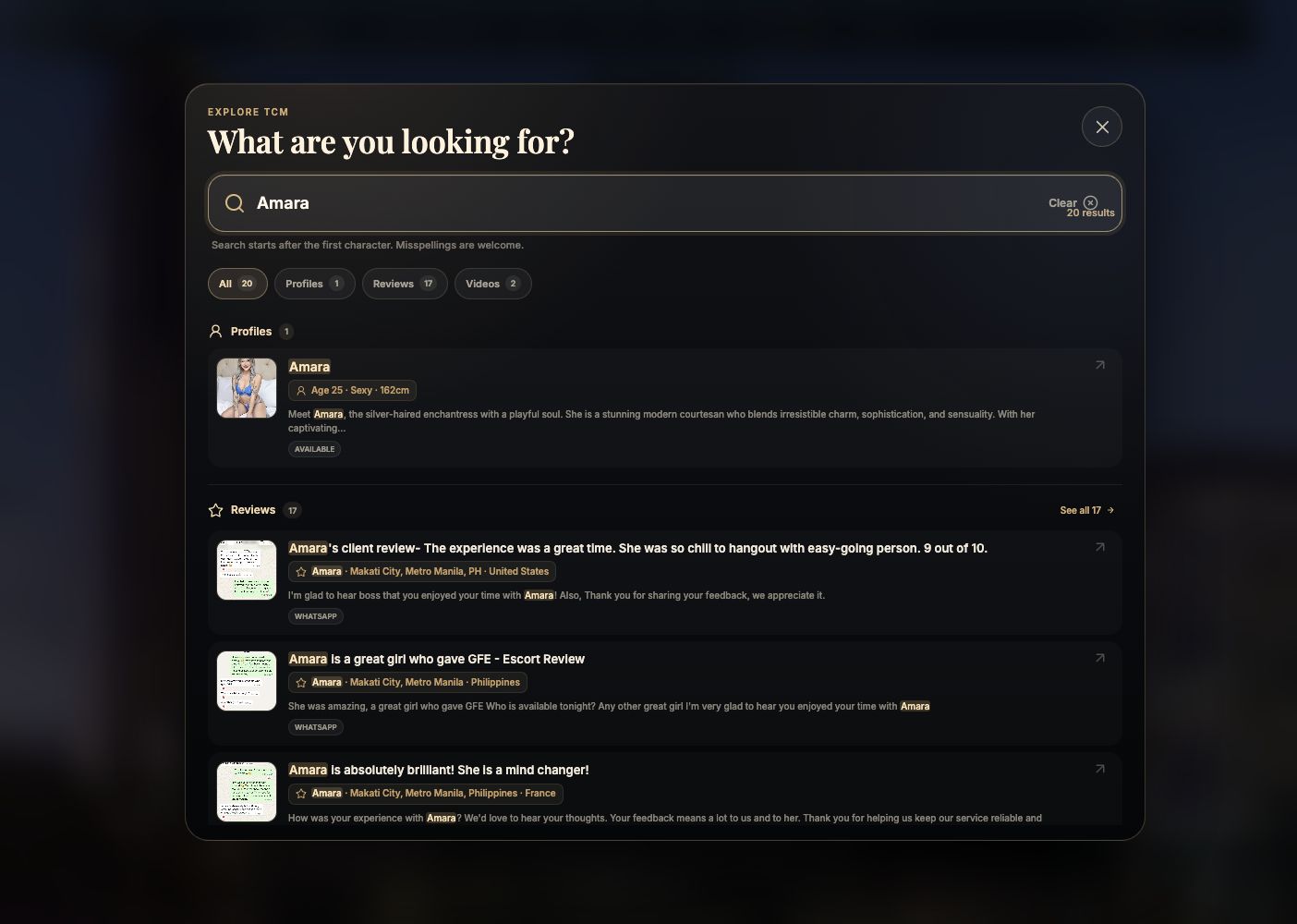
What Smart Search Can Find
Profiles and availability
Search by name, traits, age, body type, height, linked attributes, services, and public availability.
Real review wording
Search the complete text of public client messages, not only a review headline or short description.
The rest of TCM
Find services, pages, guides, blog posts, locations, glossary terms, videos, promos, attributes, and duos.
Designed for Phones as Well as Desktops
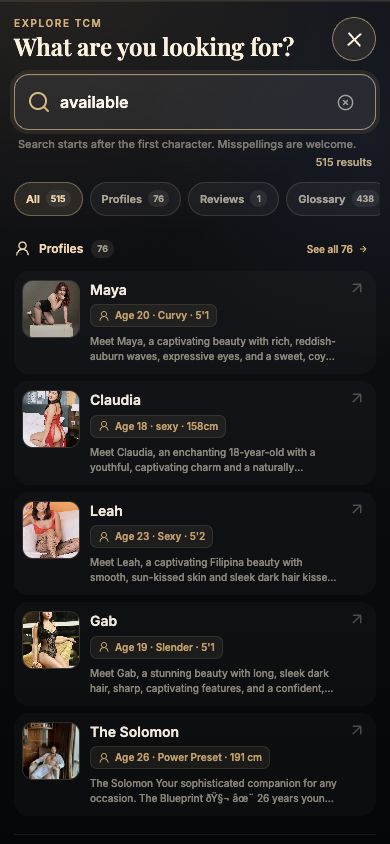
On mobile, the search becomes a focused full-screen experience. Profile photos remain visible, essential details sit on their own line, and longer review or page titles are limited to a readable number of lines. Category totals remain close to the search field, with “See all” and progressive loading for larger result sets.
Helpful With Misspellings and Specific Phrases
Exact names rank first, but the search also understands title prefixes, complete phrases, matching words, and careful typo tolerance for longer terms. That means a small spelling mistake such as “Vanesa” can still lead to Vanessa, while a distinctive phrase from a review can lead directly to that review.
Fast and Private by Design
Smart Search loads only after the page has fully loaded and the browser is idle. It makes no empty-state search request, cancels outdated requests while you type, and keeps repeated results in memory for the current page session. TCM does not store the words you search for; analytics record only aggregate category and result-position information.
Try It Anywhere on TCM
Open the search button from the main TCM roster, look for a name, location, service, or review phrase, and use the category controls to narrow the result. You can also browse the client review hub, read how to book, or watch the latest TCM videos directly.